




Description
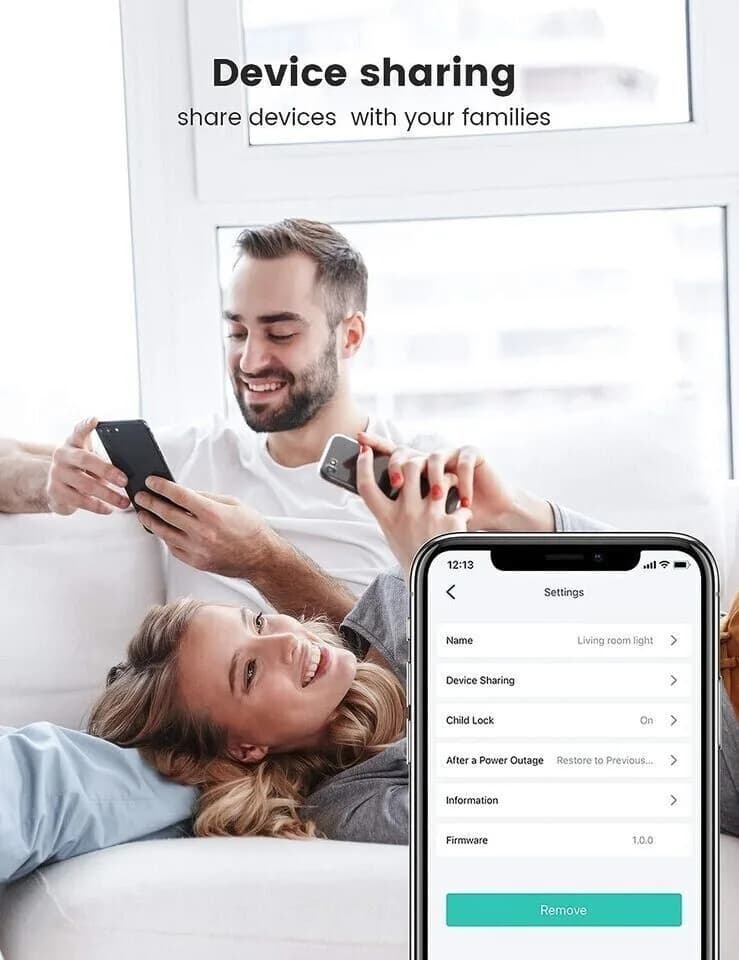
Smart Plug Fokoos 13A Wi-Fi Outlet, Compatible with Alexa Echo Google Home, Wireless Smart Socket, Remote Control Timer Function, Device Sharing, No Hub Required (PACK2)
PLEASE NOTE: IF YOU HAVE CONNECTION ISSUES THE 1ST TIME TO CONFIGURE PLEASE RE TRY THE CONNECTION PROCEDURE BY UNPLUGGING THE PLUGS & RETRYING TO CONNECT A COUPLE OF TIMES
How to connect Tech Home App
1. Scan QR code to download "Tech Home" APP.
2. Run the “ Tech Home” App, and register a new user account.
3. Tap “Add Device” to add the smart plug. Put in the password of your Wi-Fi to configure your home Wi-Fi (2.4 GHz). Tap the “start” to pairing the smart plug.
4. When the page shows "Pairing Successful", it means the device is paired.
• Remote Control - With Tech Home APP, you can check the real-time status and turn on/off your appliances and electronics by your mobile phone. A better choice for the home smart.
• Voice Control - Free your hands. Turn on or off wifi plug with Amazon Alexa or Google Home by just giving a voice demand. You can turn off your lights without getting up.
• Timer & Schedule - Setting a schedule with the smart plug to turn on/off your home appliances automatically. Your coffee maker will work at 7 am the light will be on when you go home.
• Mini & Easy to Set up - Mini plug and just need 2.4GHz wifi to pair the wifi outlets with Tech Ho App. Then you can control your device using your phone.
• Group control - Create the group with the smart outlet to turn on or off the appliances with one tap like light, Christmas tree light, humidifier, coffee maker, etc.
Something wrong with this listing? Report it and a person will look at it.